If you’re thinking about buying an IPTV subscription, starting with a free IPTV trial is the smartest way to test the service before spending any money. A trial lets you check streaming quality, channel availability, video-on-demand (VOD) content, and device compatibility. In this guide, you’ll learn how to get an IPTV free trial safely, what to test during the trial period, and how to choose a reliable provider.
Why You Should Start with an IPTV Free Trial
A free trial helps you avoid paying for a service that doesn’t meet your expectations. Since IPTV providers can vary greatly in quality, testing the service first gives you confidence before purchasing a subscription.
During your trial, you can verify whether the streams are stable, whether channels load quickly, and whether your favorite sports, movies, and TV shows are available. You’ll also see how well the service performs on your internet connection and your preferred devices.
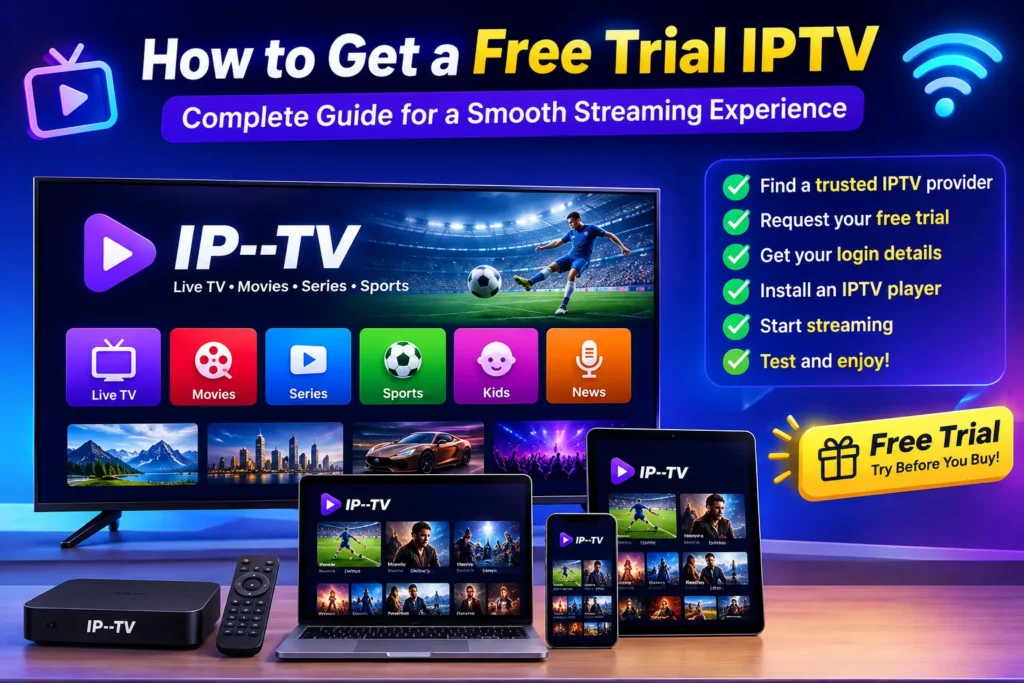
How to Get a Free IPTV Trial
Getting a free IPTV trial is usually a simple process:
- Visit the IPTV provider’s website.
- Find the Free Trial or Trial Request page.
- Fill out the required information, such as your email address or WhatsApp number.
- Choose the device you plan to use (Firestick, Android TV, Smart TV, Windows, iPhone, etc.).
- Receive your IPTV login details, which may include an M3U playlist or Xtream Codes credentials.
- Install an IPTV player and log in using the provided information.
- Start testing the service immediately.
Most IPTV trials last between 12 and 48 hours, giving you enough time to evaluate the service.
What to Test During Your IPTV Trial
Don’t just browse a few channels. Use the trial to thoroughly evaluate the service.
Streaming Quality
Watch several live channels in HD or 4K if available. Look for smooth playback without buffering, freezing, or pixelation.
Channel Selection
Check whether the provider includes the channels you actually watch, including sports, entertainment, news, kids’ programming, and international content.
Video on Demand (VOD)
Browse the movie and TV series library. A good IPTV provider updates its VOD content regularly and offers fast loading times.
Device Compatibility
Test the service on your preferred device, such as:
- Firestick
- Android TV
- Smart TV
- Apple TV
- Windows PC
- Mac
- Android phones
- iPhone and iPad
Make sure the IPTV works smoothly across the devices you plan to use.
Electronic Program Guide (EPG)
Check whether the TV guide is accurate and easy to navigate. A working EPG makes finding live programs much easier.
Customer Support
Contact customer support with a simple question. Fast and helpful responses are often a sign of a reliable IPTV provider.
Tips for Choosing a Reliable IPTV Provider
Not every IPTV service offers the same experience. Before purchasing, consider these factors:
- Stable servers with minimal buffering
- High-quality HD and 4K streams
- Fast channel loading
- Frequently updated VOD library
- Responsive customer support
- Compatibility with multiple IPTV players
- Secure payment options
- Positive customer reviews
Choosing a provider based on quality rather than price often results in a much better viewing experience.
Common Mistakes to Avoid
Many users rush into buying the cheapest subscription available. Instead, avoid these common mistakes:
- Purchasing without testing the service first
- Ignoring buffering during the trial
- Not checking your favorite channels
- Forgetting to test the service during peak evening hours
- Using an outdated IPTV player
- Assuming every IPTV provider offers the same quality
A careful trial can save you money and frustration later.
Frequently Asked Questions
Is an IPTV free trial really free?
Many providers offer free IPTV trials without requiring payment, while others may request basic contact information before sending your login details.
How long does an IPTV free trial last?
Most IPTV trials are available for 12 to 48 hours, depending on the provider.
Can I use a free IPTV trial on any device?
Most providers support popular devices such as Firestick, Android TV, Smart TVs, Windows PCs, Macs, smartphones, and tablets.
What internet speed is recommended?
For the best experience, a stable internet connection of at least 20 Mbps is recommended for HD streaming, while 50 Mbps or higher is ideal for multiple devices or 4K content.
Final Thoughts
An IPTV free trial is the best way to evaluate a service before committing to a subscription. Take the time to test streaming quality, channel selection, VOD content, device compatibility, and customer support. By carefully comparing providers during the trial period, you’ll be much more likely to find an IPTV service that delivers a smooth, reliable, and enjoyable viewing experience.